
Luck Cycle: Plan your year
See which 10-year chapter you're in, your strongest months and season, and the best dates for each big plan in the next 12 months, synced to your calendar.
-
Step 1: Find your 10-year chapter
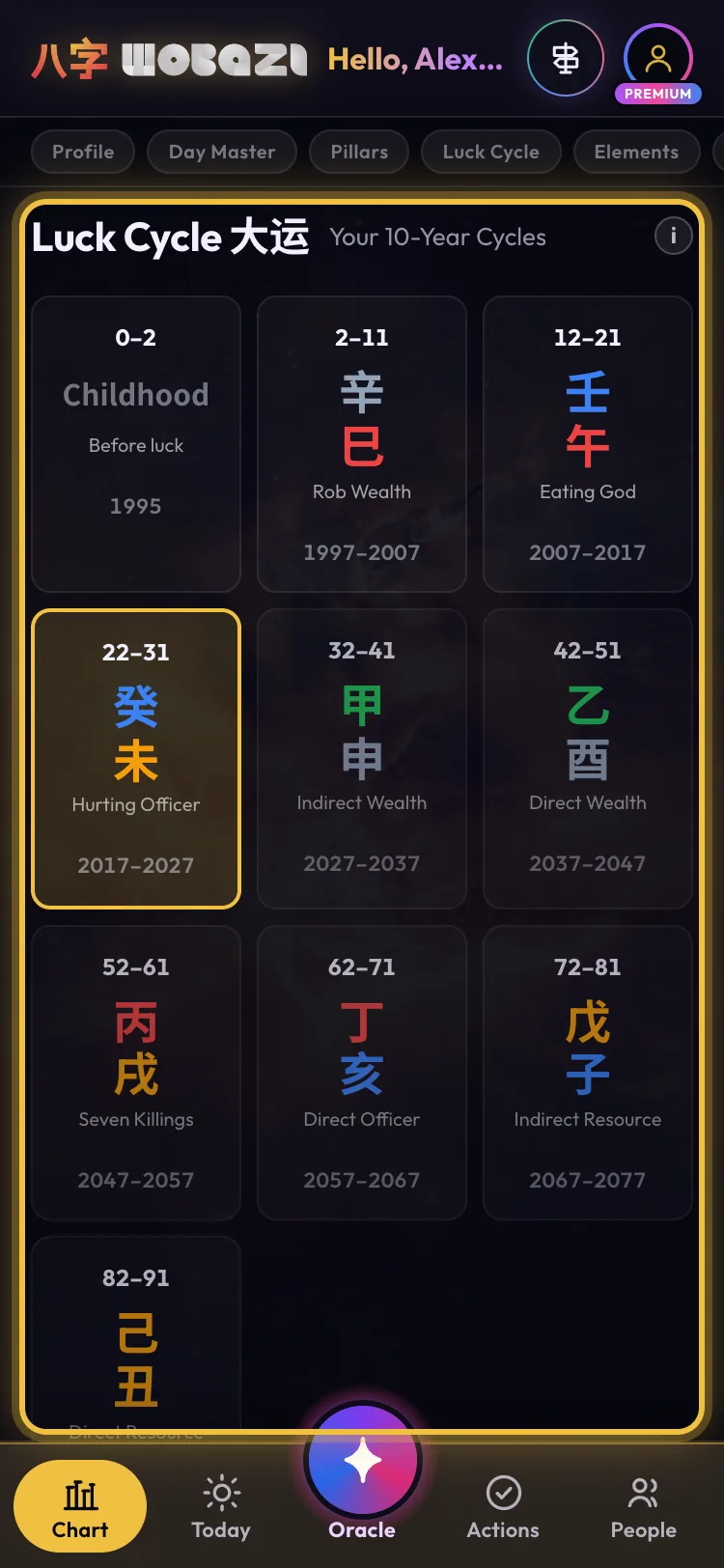
Luck Cycle on the Chart tab shows your 10-year luck pillars. The one you're in now is highlighted, with the exact date it began and the date of your next turn.
-
Step 2: Spot your high months
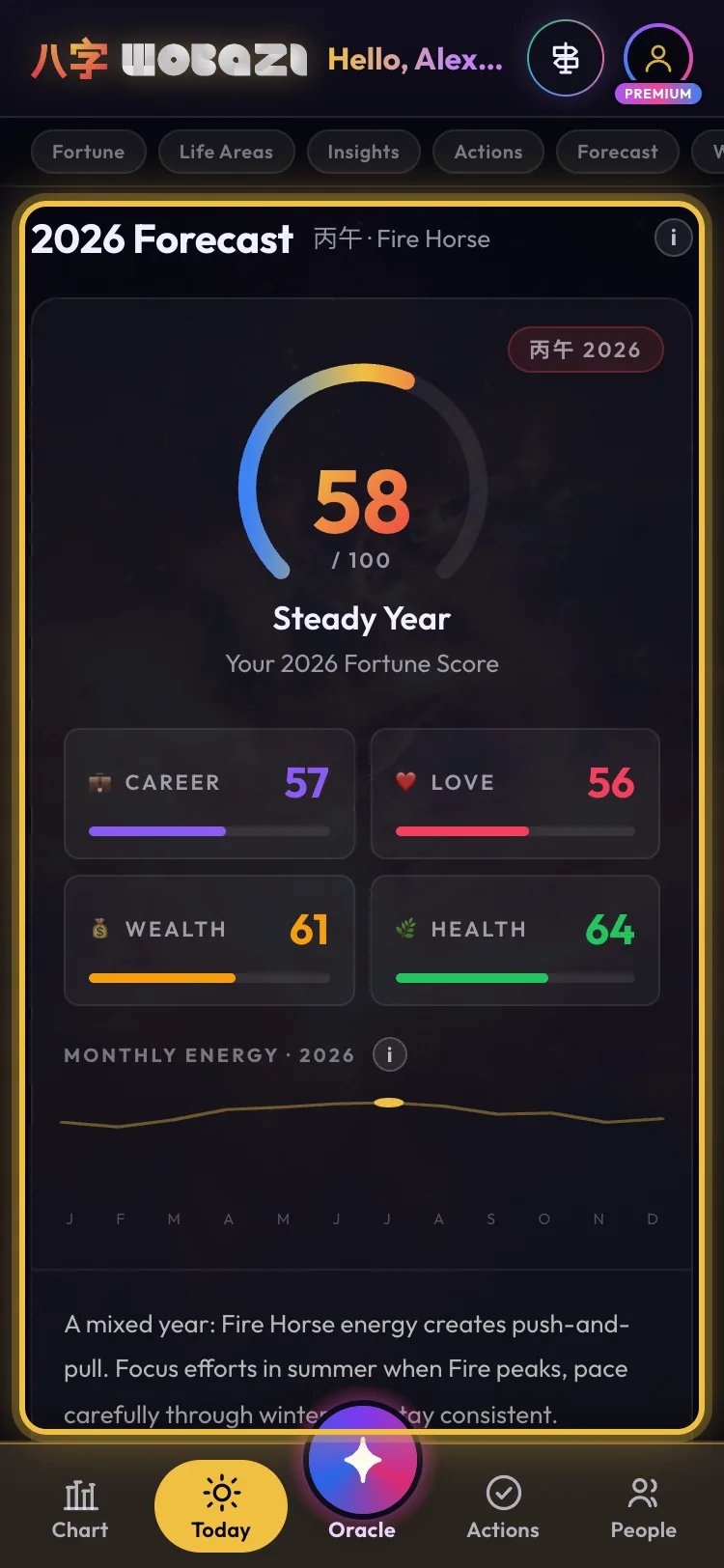
2026 Forecast on the Today tab gives your year a score, with Career, Love, Wealth and Health, and a month-by-month energy line. Lean in when the line climbs and go easier when it dips.
-
Step 3: Find your peak season
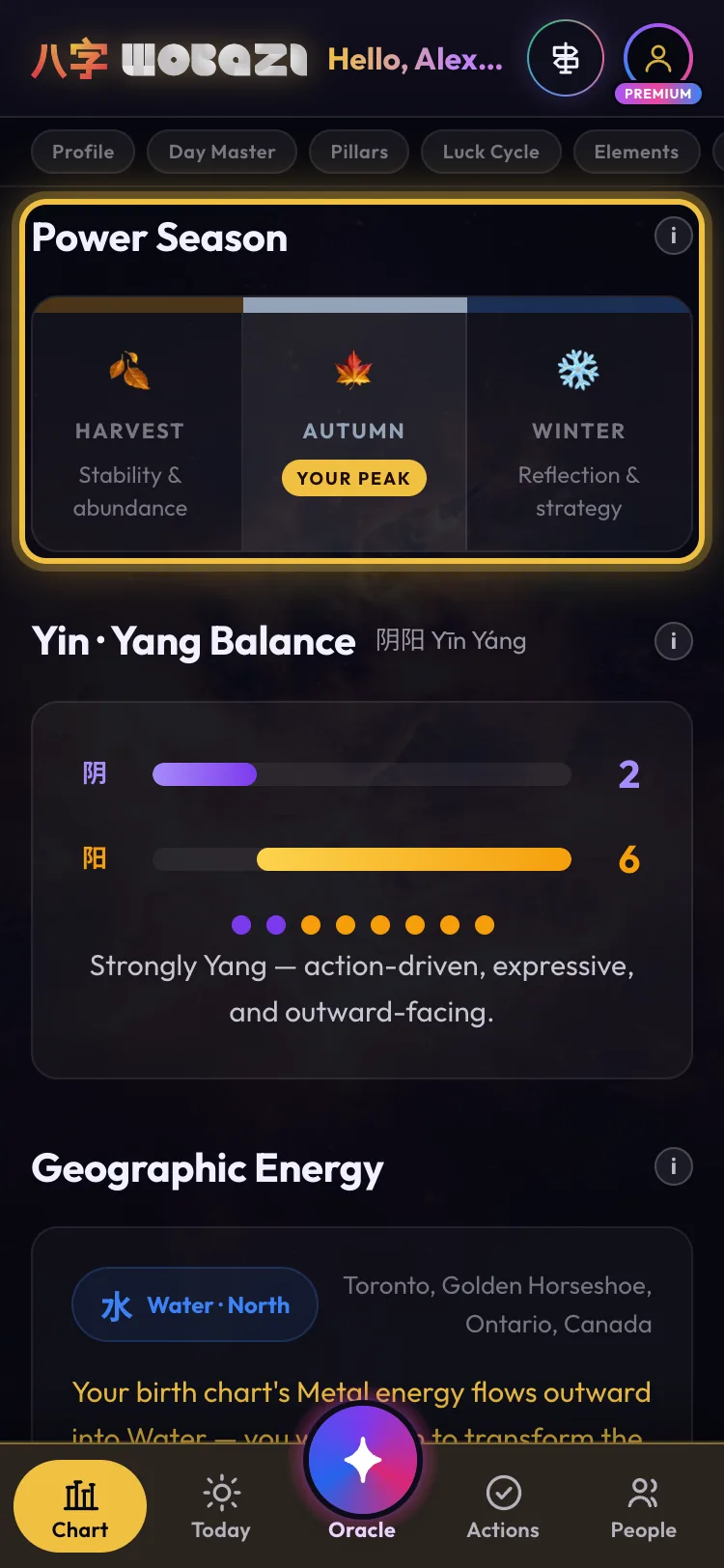
Power Season on the Chart tab marks which season is your peak. Save the big pushes, like a launch or a job move, for those months.
-
Step 4: Lock in the dates
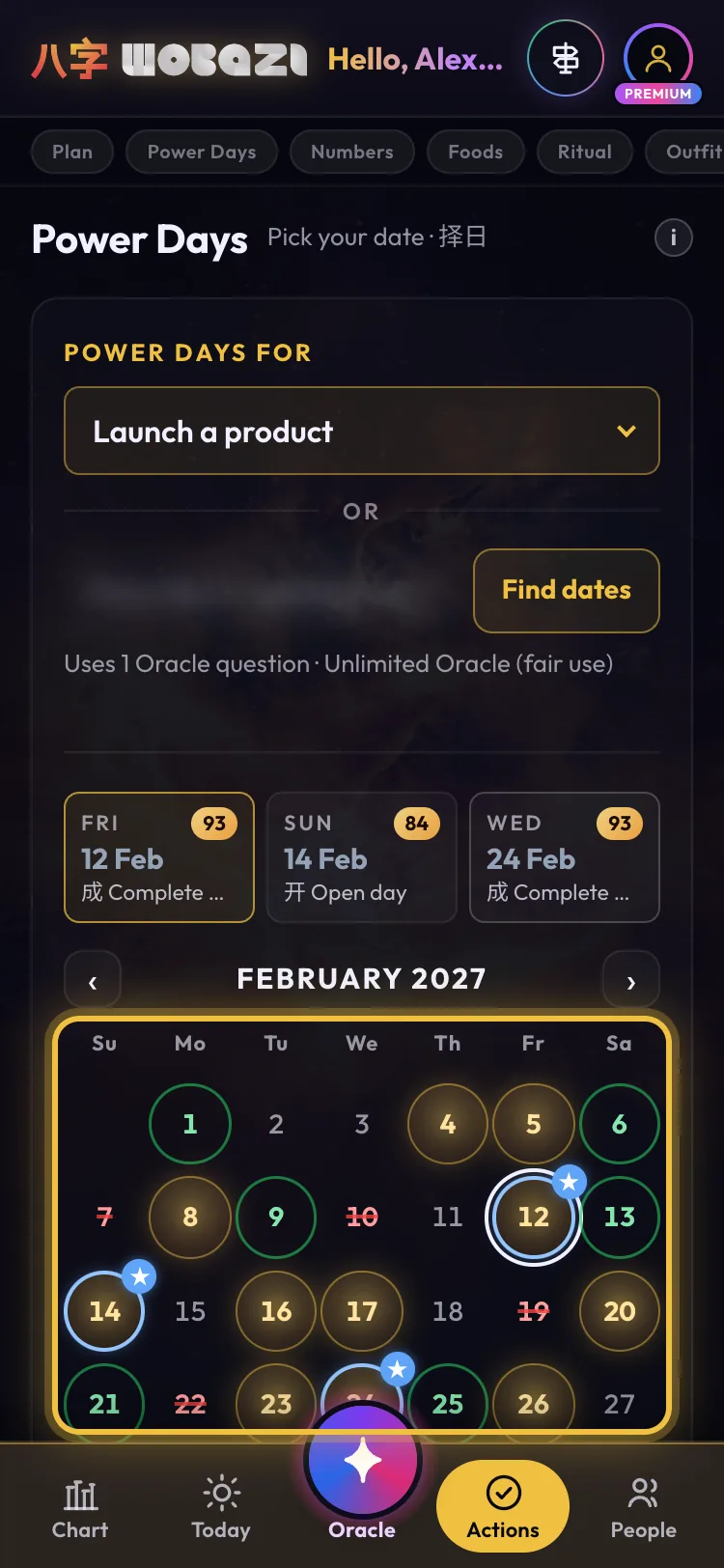
In Power Days, pick a plan and tap › to page through the months. You get its best dates up to 12 months ahead, with the top three listed above the calendar.
Free: 7 days ahead
-
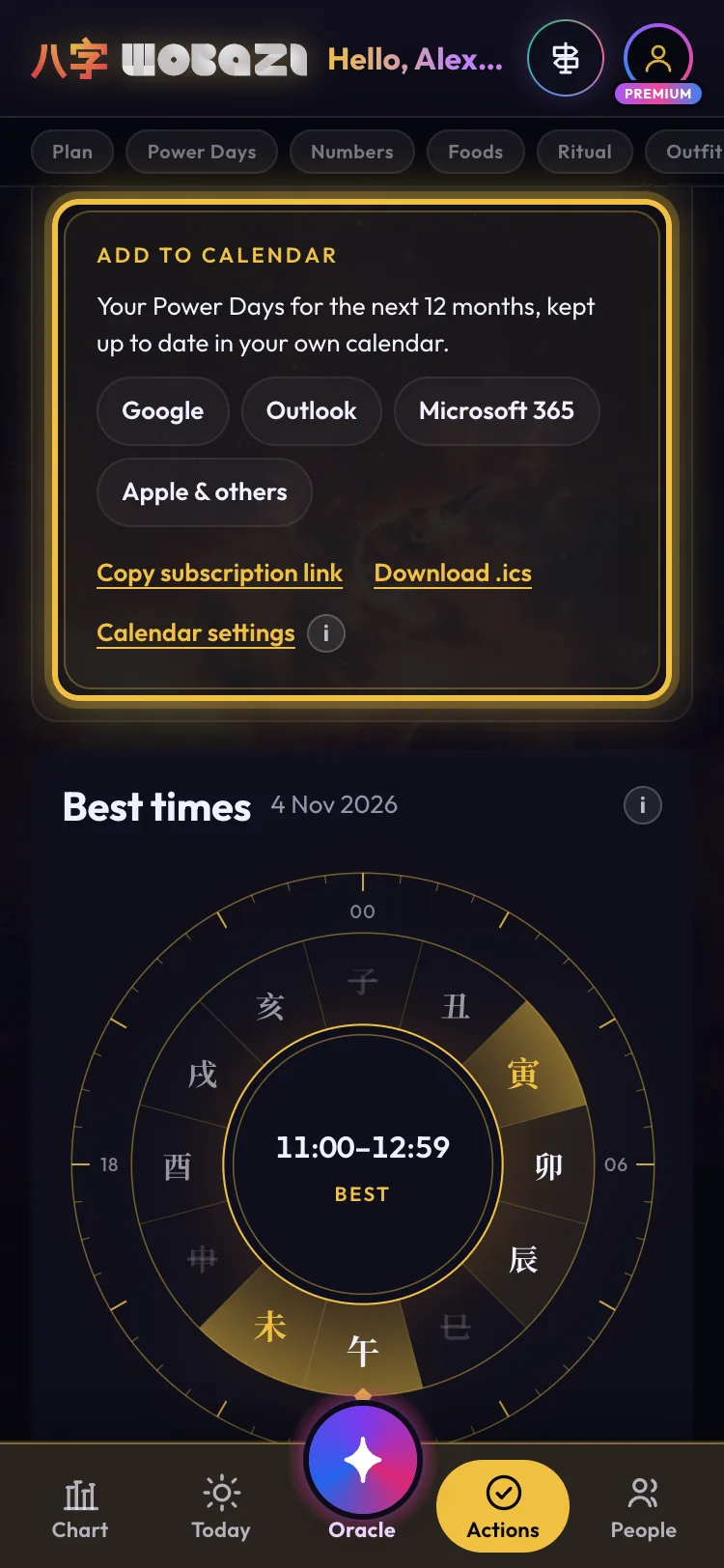
Step 5: Sync your year
Add to calendar puts a year of Power Days into Google, Outlook, Microsoft 365 or Apple Calendar. It's a live subscription, so good days keep showing up on their own.
Premium


What each plan gets
- Guest
- Chapters, months, season: free
- Free
- Power Days 7 days ahead
- Premium
- 12 months + calendar sync
Words on this page
- Luck pillar 大运
- A 10-year chapter with its own energy.
Questions
When does my chapter change?
On a set date from your birth, not your birthday. Luck Cycle shows it.
No dates on my Luck Cycle?
Add your gender with Edit birth data in the menu.